just:in User Interface (just:in v3.0)
- Thomas Staiger
- Georg Deisting
Owned by Thomas Staiger
These chapters explain the just:in User Interface application for Mac. You will learn how to connect to Channels (provided by a properly configured just:in Engine), customize the User Interface, using the Inspector to select Capture Settings and how to do your Recordings.
It is mandatory to configure just:in Engine properly before the just:in User Interface can be used. This can either be just:in Engine Mac or just:in Engine Linux.
What is the just:in User Inteface and what does it do?
- just:in is the User Interface to control multiple Channels available from one or multiple instances of just:in Engine on the network.
- just:in provides Realtime Video and Audio Previews from the Channels and let's you select your Capture and Destination Presets.
- The just:in User Interface is used to execute your Recordings using one of the available Capture Modes.
First Launch
Upon the first launch of the just:in User Interface, a blank window will be displayed because no connection to a Channel has yet been established. The following chapters explain how to connect to Channels.
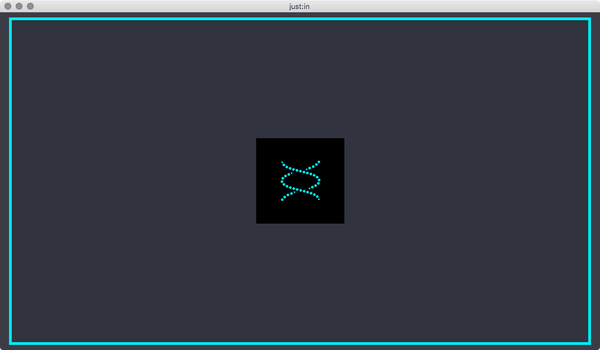
Table of Contents
- 1. Managing Channels (just:in v3.0)
- 2. Managing Channel Views (just:in v3.0)
- 3. User Interface Overview & Preferences (just:in v3.0)
- 4. Channel Viewer - Overview (just:in v3.0)
- 5. Inspector - Overview (just:in v3.0)
- 6. Channel View Modes (just:in v3.0)