Channel View Modes (4.0)
- Thomas Staiger
- Christian Schabasser
Owned by Thomas Staiger
The just:in User Interface offers three different interface setups, each one has its own advantages.
Mode 1: Channel Viewer
- Offers a clean view of all your Channel Views while using the maximum size possible (depending on the number of Channels).
- You may change the Timecode and Capture Mode at any time.
- The Inspector can be opened with the button in the top right corner – or by using the shortcut command + I.

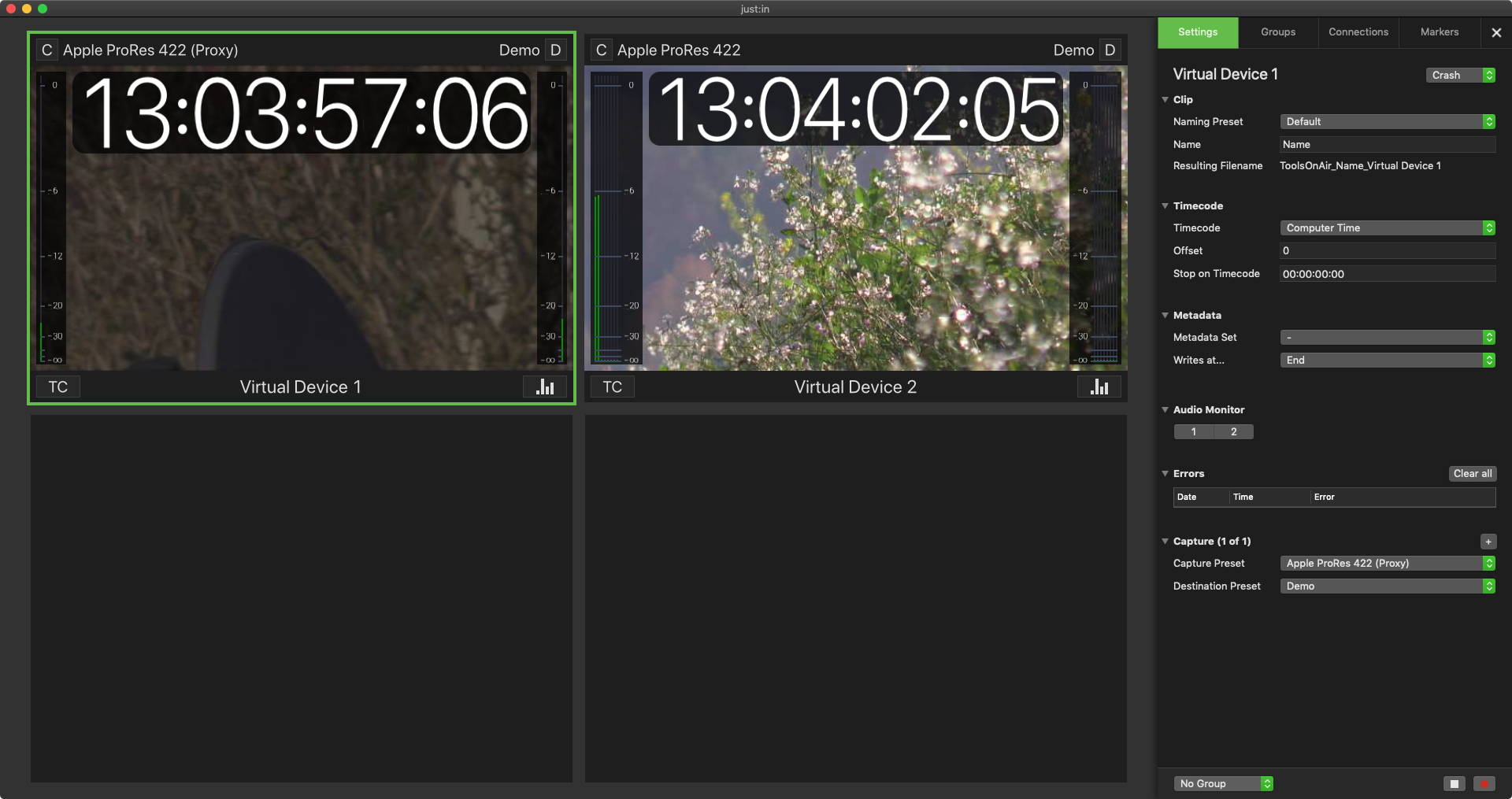
Mode 2: Channel and Inspector View
- Shows all Channel Views and the Inspector.
- You can use the Inspector at any time, while loosing some space for the Channel Views.
- In some situations this View Mode is mandatory, for example when using the Batch Capture Mode.
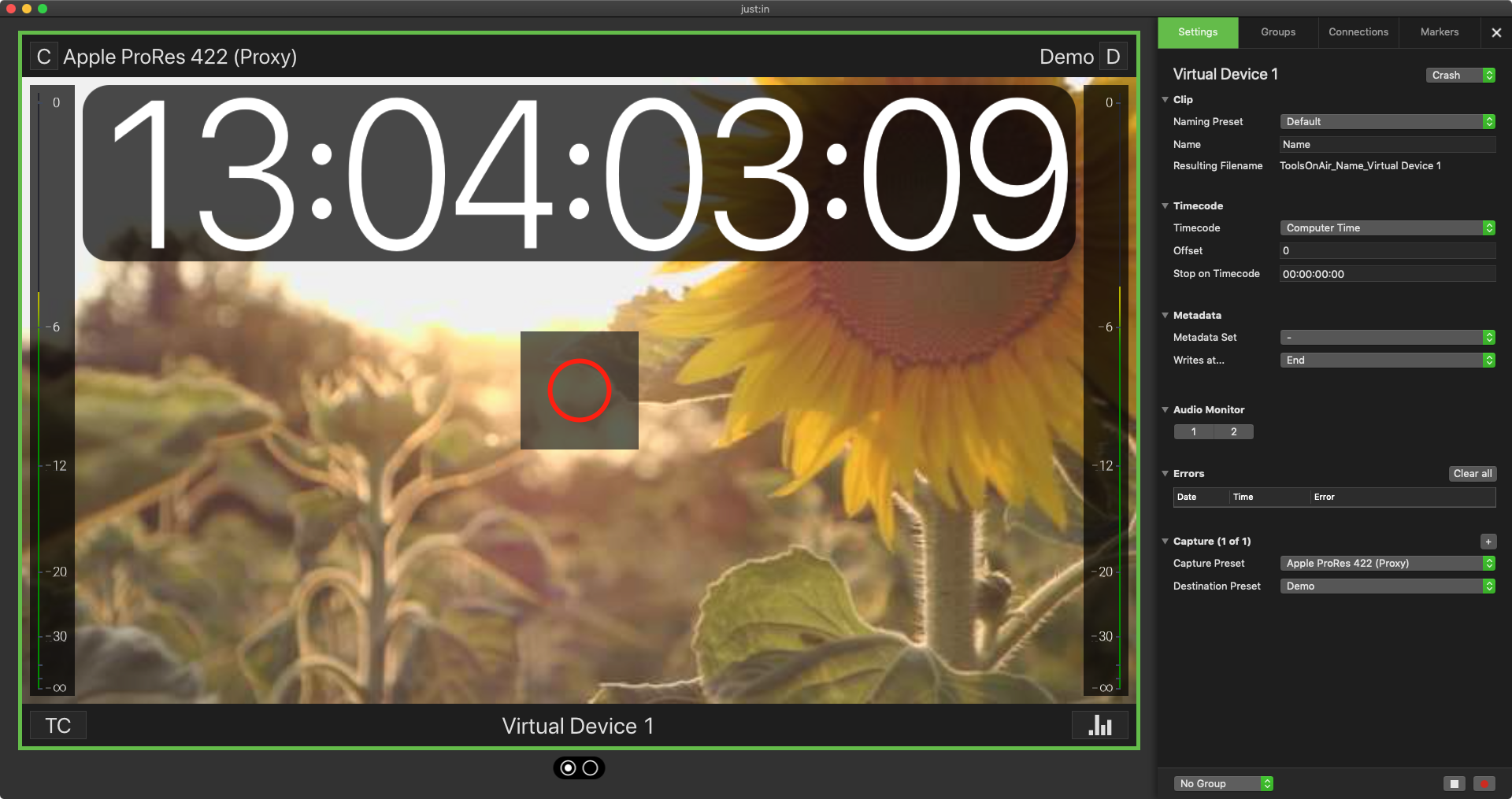
Mode 3: Quick Look
- The Single Channel View Mode offers the maximum size for the currently selected Channel (double-click on a channel or use the spacebar to enter the Quick Look View).